 Pocketful
Flashcards for Android
Little cards, big memory.
Swipe through a few cards a day and Pocketful brings back the ones you are about to forget. Everything stays on your phone: no account, no ads, no tracking.
Free. Android 8.0 and newer. Ages 13+. See how it works.
- Free, no ads
- No account needed
- Works offline, always
- Photo and voice cards
- Opens Anki decks
Features
Everything you need, nothing you do not.
Pocketful does a few things well, and does them calmly.
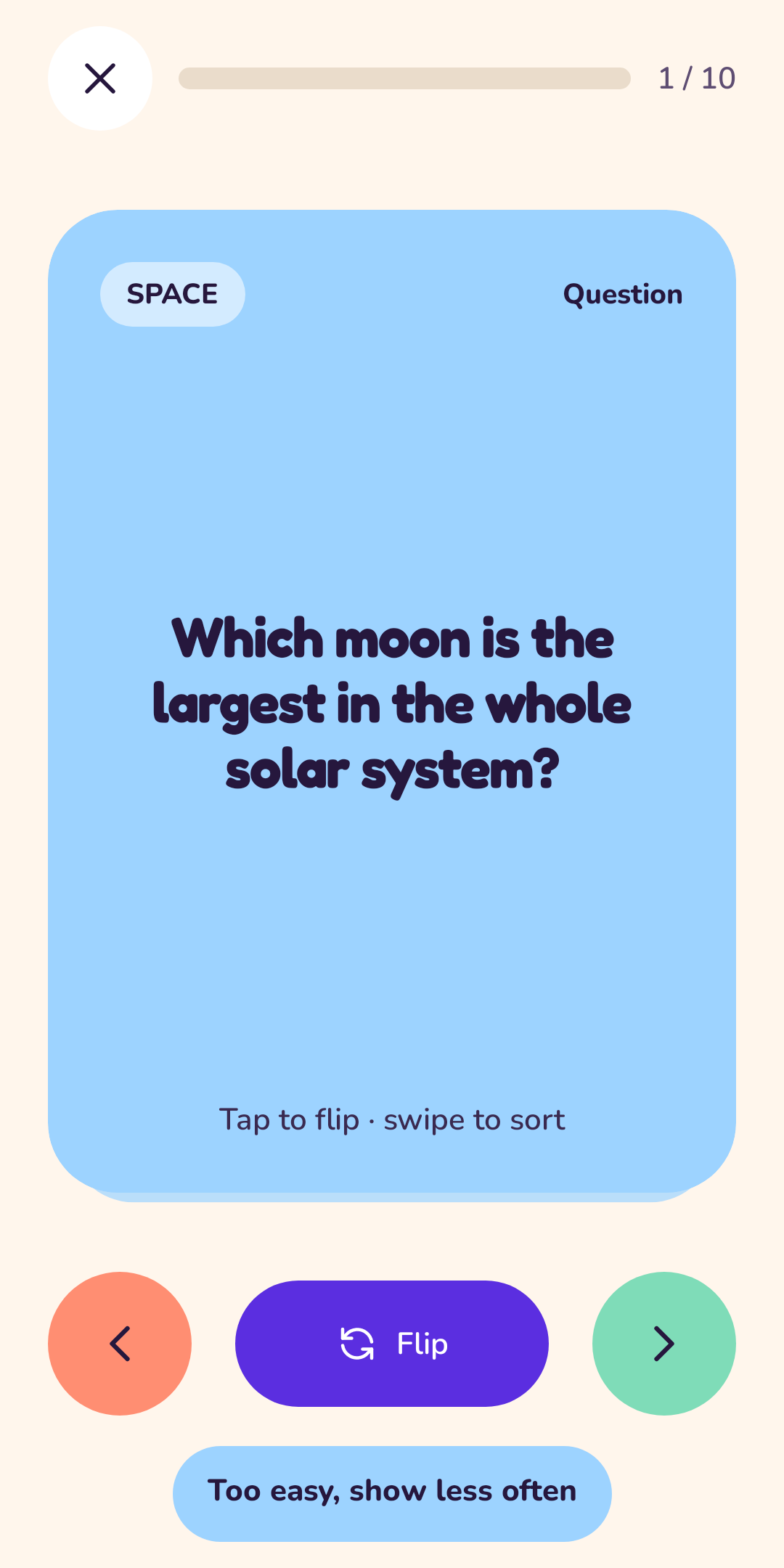
Swipe to answer
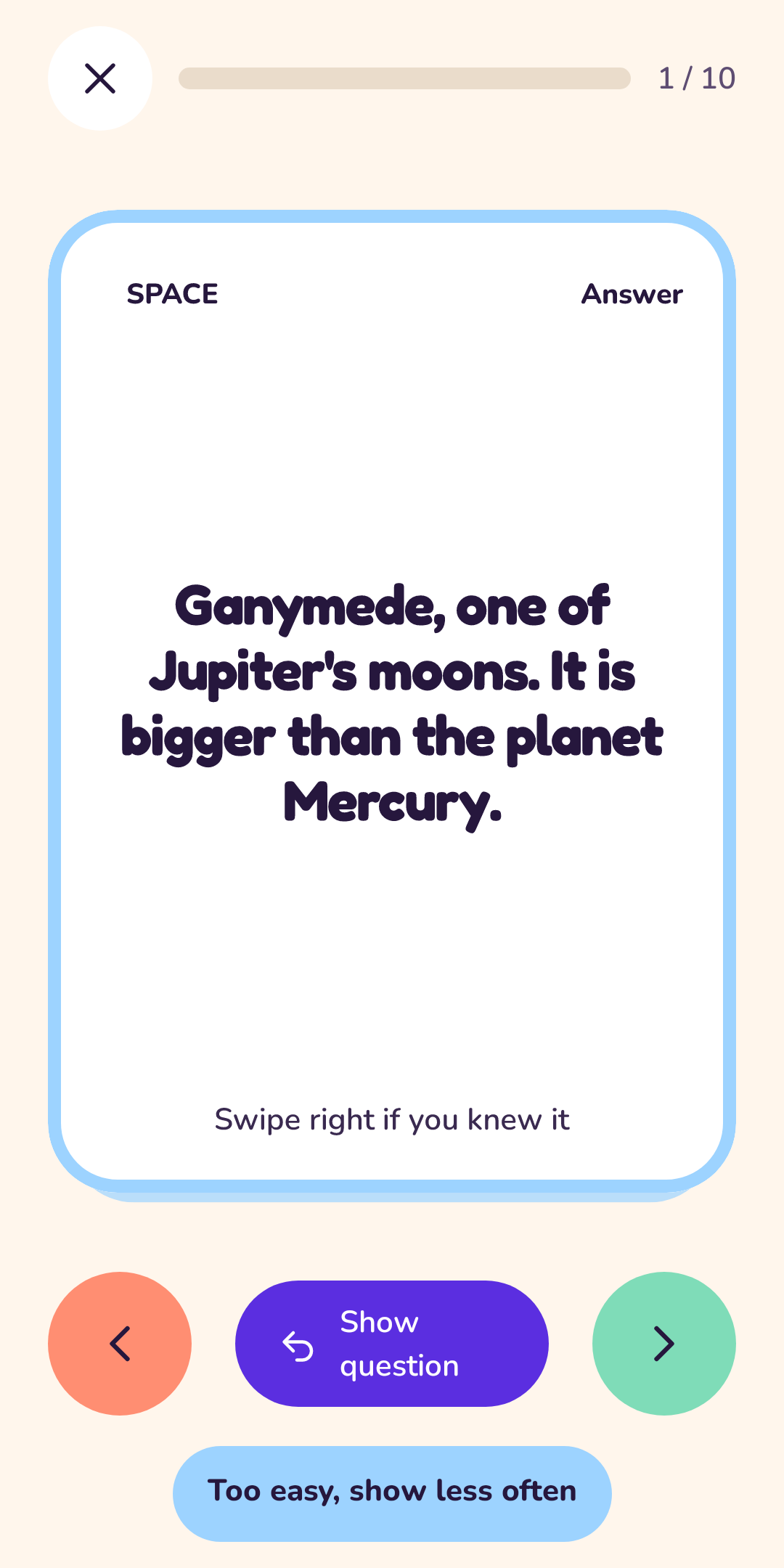
Right when you knew it, left when you did not, up when it was too easy. One thumb, no menus.
Cards that come back at the right time
A simple seven-step schedule brings a card back just before you would forget it.
Photo and voice cards
Add a picture to remember a face or a place, or record yourself saying the word.
Bring your Anki decks
Open a deck file from your phone and Pocketful reads the cards, pictures and sounds.
Spreadsheets welcome
Paste a list, or import and export a CSV from any spreadsheet app.
Gentle reminders
One friendly nudge a day, at the time you pick, and only when cards are waiting.
How it works
Three small steps.
Pick what to learn
Start with a ready-made deck or make your own. Add cards in a few taps.
Swipe through today's cards
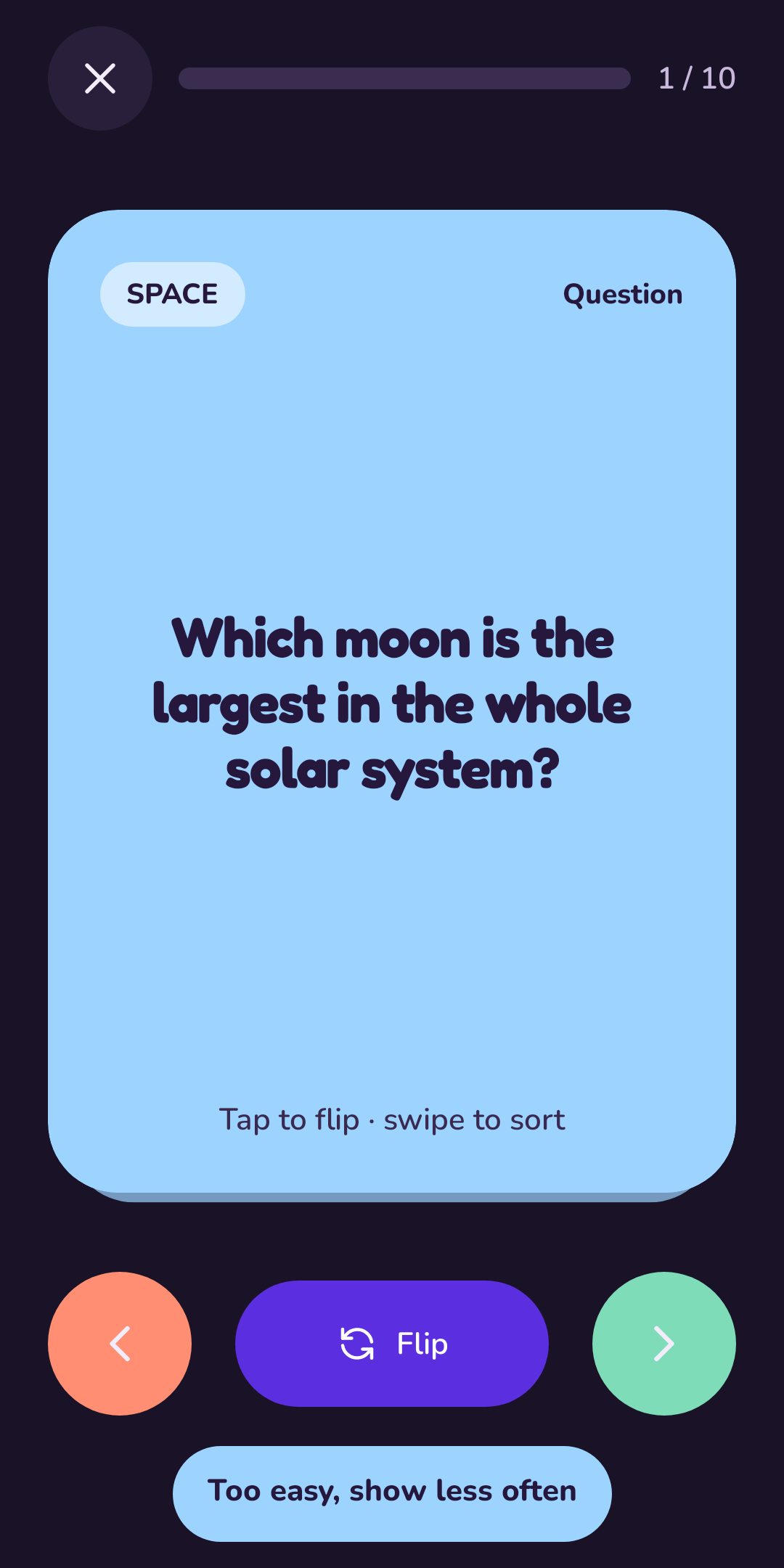
See the question, flip for the answer, then swipe how it felt.
Come back tomorrow
Pocketful has already lined up what you are about to forget. A few minutes is plenty.
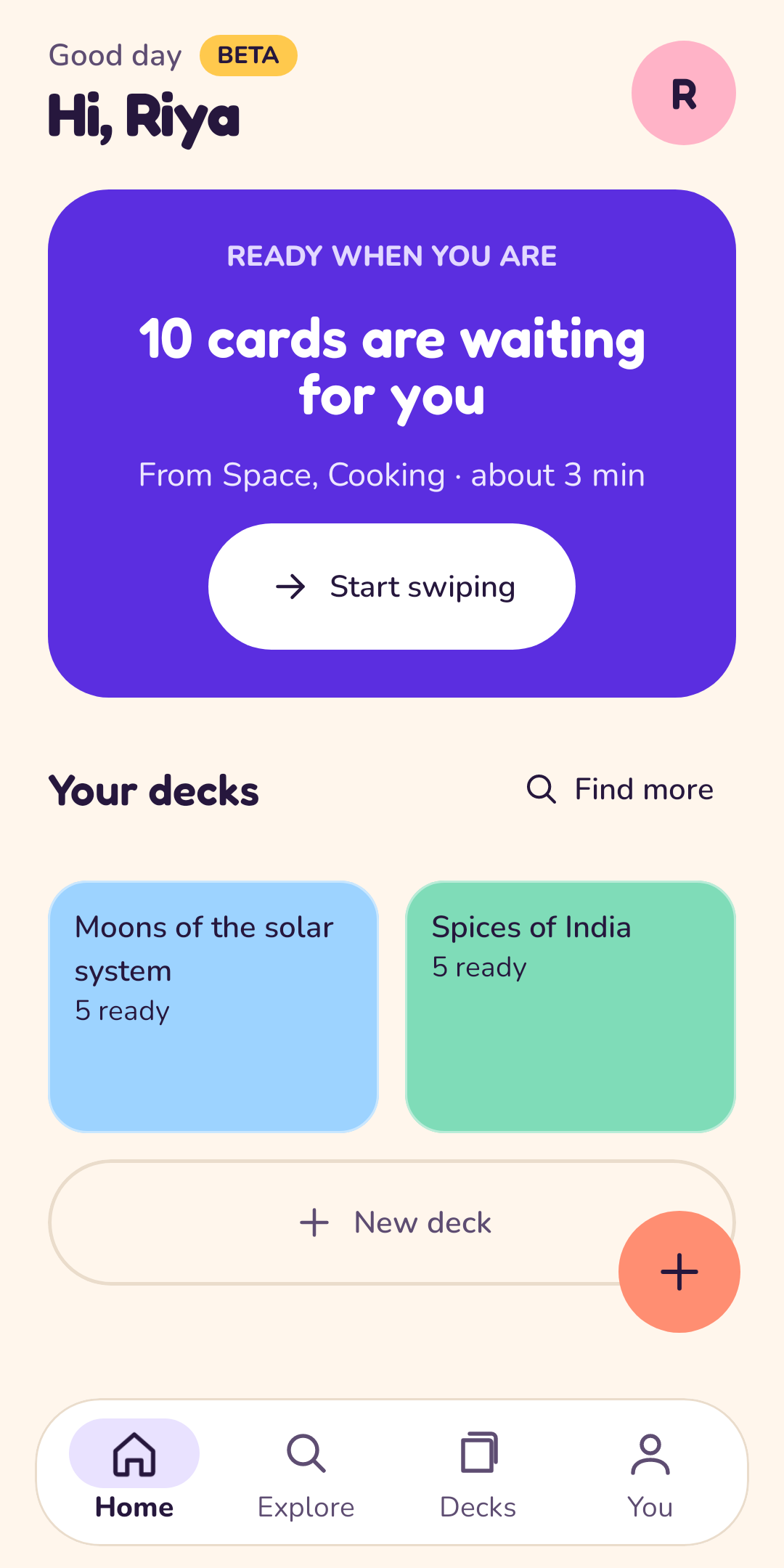
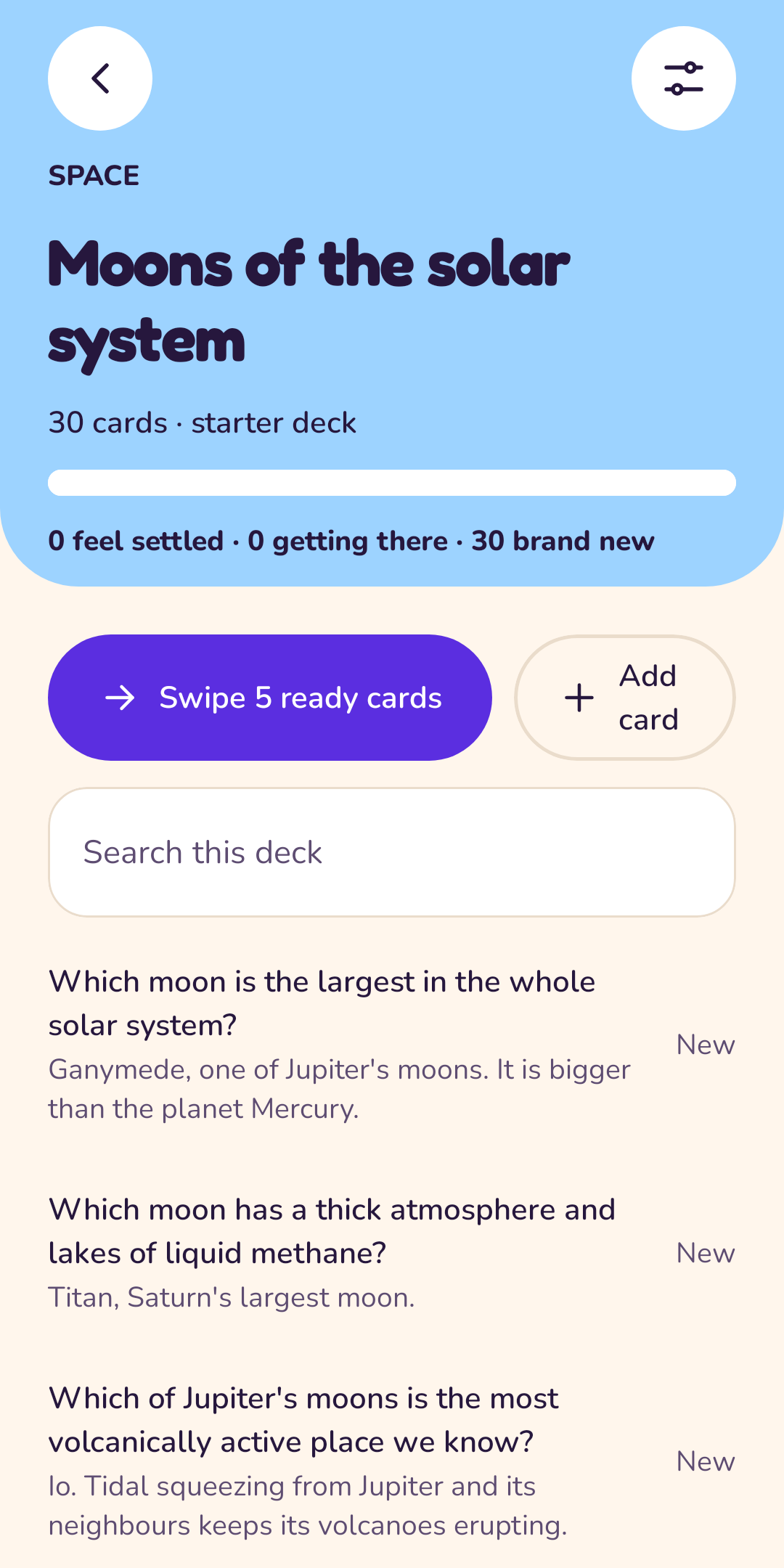
A look inside
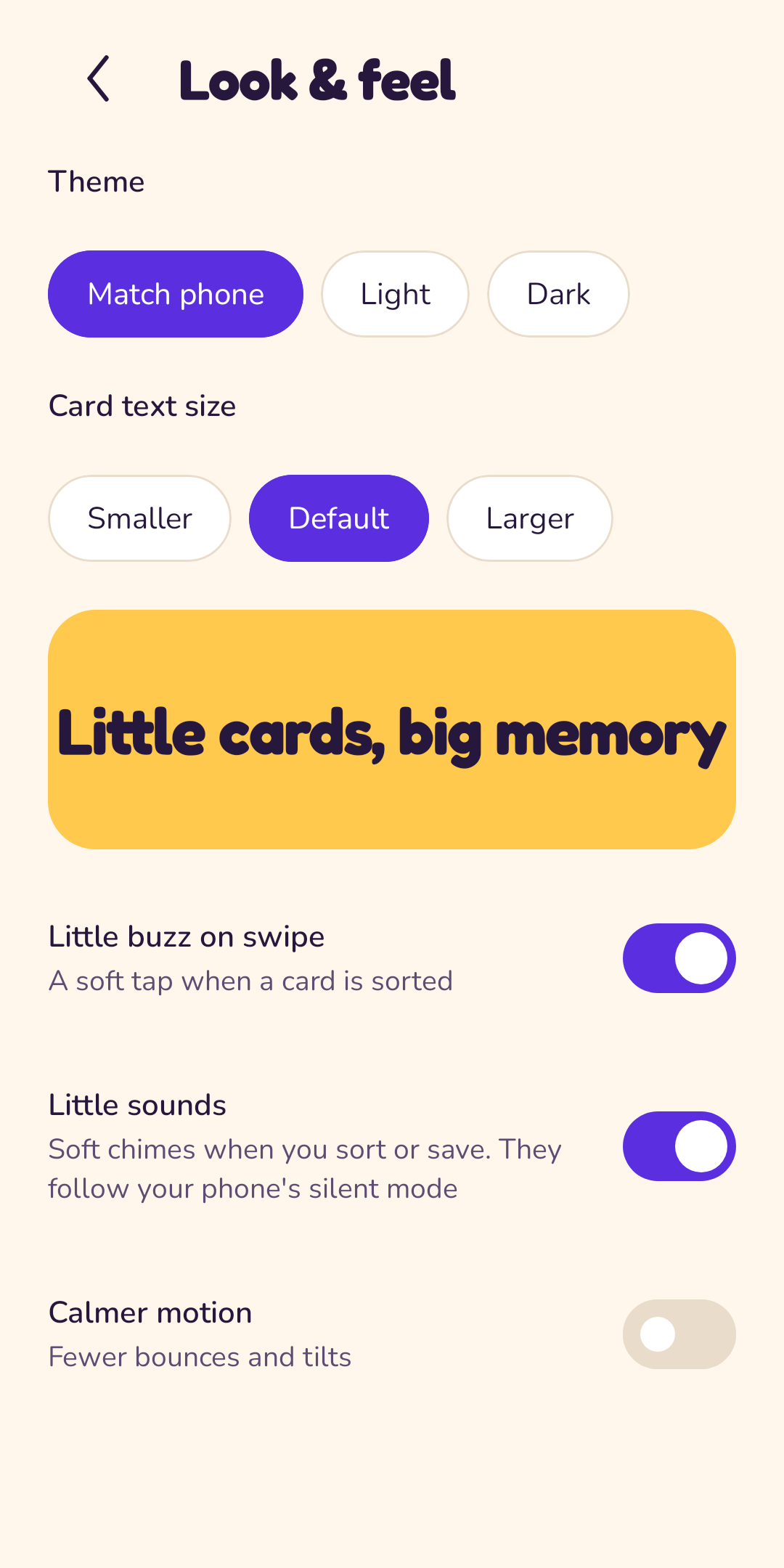
Friendly in light and dark.
Early access
Try Pocketful today.
Pocketful works, but it is still being polished before it reaches Google Play. Download it now and tell us what you think.
Beta means you may meet rough edges. Tell us about them at hello@onelifestack.com; every message helps.
- Version
- 0.9.0-beta.1
- Released
- 2026-10-31
- Size
- 4.5 MB
- Android
- 8.0 and newer
SHA-256 checksum, to check the file arrived intact:
b7e3b79d790813ab7e9f938698e00755e09b329601fe50341d4d5803d6af64edInstall in four taps
- Open this page on your Android phone and tap Download Beta.
- When the file finishes, open it. If Android asks, allow installs from your browser or Files app.
- Tap Install, then Open.
- Say hi to your first cards. Needs Android 8.0 or newer.
Same promises as ever
No account, no ads, no tracking, and no internet permission. Your cards stay on your phone.
When the Play version arrives
The Beta is signed with a beta key, so Google Play cannot update it. When Pocketful is on Play: save a backup (You > Back up to a file), uninstall the Beta, install from Play, then restore from your file. Photos and voice clips come with it.
Already use Anki?
Bring your decks with you.
Pocketful opens standard Anki deck files (.apkg), old and new formats, and keeps the text, pictures and sounds.
- Download a deck, for example from AnkiWeb.
- Open the file from your Downloads or tap it in your browser, and choose Pocketful.
- Check the preview, then tap Import. Your cards are ready to swipe.
Pocketful is independent and not affiliated with Anki. Check you have the right to use any deck you import.
Prefer spreadsheets?
Paste a list or import a CSV file, match the columns and go. Export any deck back to CSV whenever you like.
Switching phones?
Save one backup file with everything in it and restore it on the new phone.
Privacy
Your cards stay yours.
Pocketful has no servers and no account. Here is the whole story in short; the full privacy policy is in plain words too.
Kept on your phone
- Your decks, cards, photos and voice clips
- Your schedule and preferences
- Everything in the app's private storage
Never happens
- No accounts, no sign-up
- No ads, no analytics, no tracking
- No internet permission at all
- No servers: we never see your cards
Questions? Read the privacy policy and terms of use, or write to hello@onelifestack.com.
FAQ
Good questions.
Is Pocketful free?
Yes. There are no ads, no subscriptions and nothing to buy.
Where are my cards stored?
Only on your phone, in the app's private storage. There is no account and no cloud. We run no servers for Pocketful, so we cannot see your cards.
What if I lose or change my phone?
Use You > Back up to a file to save everything, photos and voice clips included, to a place you choose. On the new phone, tap "Coming from another phone?" and pick that file.
Can I use my Anki decks?
Yes. Download a deck (an .apkg file) from AnkiWeb or anywhere else, then open it with Pocketful or choose Import > An Anki deck file. Text, pictures and sounds come across; cloze cards are split into questions.
How do I install the beta?
Open the Beta section on your phone, tap Download, and open the file when it finishes. Android may ask you to allow installs from your browser or Files app once; say yes, then tap Install. It needs Android 8.0 or newer.
Is the beta safe?
It is the same app we will put on Google Play, built by us and signed with a beta key, with the same promises: no account, no ads, no tracking, no internet permission. You can check the file with the SHA-256 checksum shown next to the download. Only install it from this site.
Does it sync between devices?
Not in this version. Nothing leaves your phone unless you save a backup file.
Which phones does it run on?
Android 8.0 (Oreo) and newer.
Who is it for?
Anyone aged 13 and over who wants to learn words, facts or anything else, a few minutes at a time.
How do I get help or share an idea?
Open You > Help in the app, or write to hello@onelifestack.com.
How do I delete everything?
You > Erase everything in the app, or just uninstall it. There is nothing to delete anywhere else.
Still stuck? Contact support.
About
Made by OneLifeStack.
Pocketful is one of the small, private apps in OneLifeStack, a family of tools built around one idea: your information belongs on your own devices, and tools should be calm to use.